


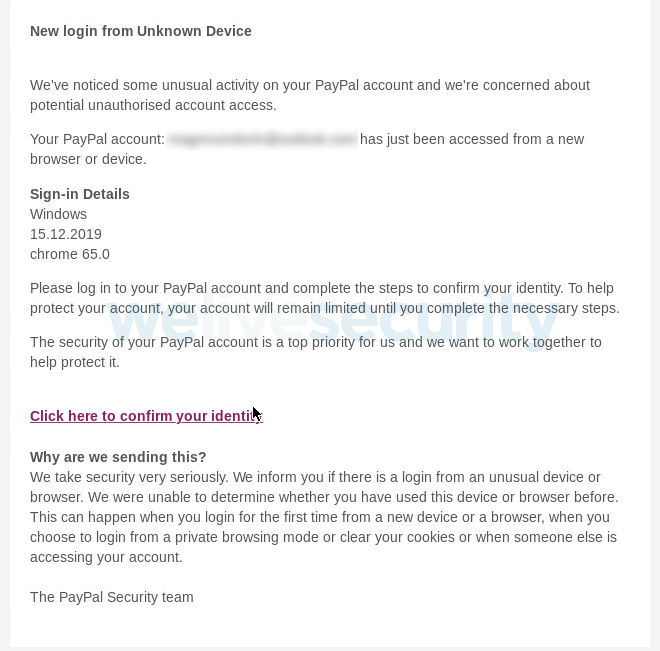
An ongoing phishing campaign is targeting PayPal customers with emails camouflaged as 'unusual activity' alerts warning them of suspicious logins from unknown devices and attempting to squeeze them dry of all their credentials and financial info.
As the ESET researchers that spotted these attacks discovered, the phishers are attempting "to trick users into handing over considerably more than ‘only’ their access credentials to the payment service."
To make sure that the potential victims are scared straight and more than willing to click on the link embedded within the phishing message, the attackers say that their accounts are limited until they're secured by confirming their identity.
"Please log in to your PayPal account and complete the steps to confirm your identity. To help protect your account, your account will remain limited until you complete the necessary steps," the phishing bait emails say.
"The security of your PayPal account is a top priority for us and we want to work together to help protect it."
Victims squeezed out one step at a time
After the target lands on the PayPal-branded phishing site, the phishers will again remind them that they need to prevent unauthorized access to secure their accounts, asking them to confirm their 'informations' by entering a CAPTCHA code displayed on the page.
"The manufactured sense of urgency is not the only telltale sign to tip you off that something is amiss," ESET's researchers explain. Other giveaways include the odd URL (though partly obfuscated here for security reasons), substandard English, chopped-off letters, and the use of a CAPTCHA."
In the next step, the victims are taken to a series of fake login pages designed to harvest their PayPal usernames and passwords, but the data collection process doesn't end here.
After hitting the login button, the phishing chain continues with a page that requires the victims to verify their accounts by updating their information if they want to remove the "limits" and fully restore them.
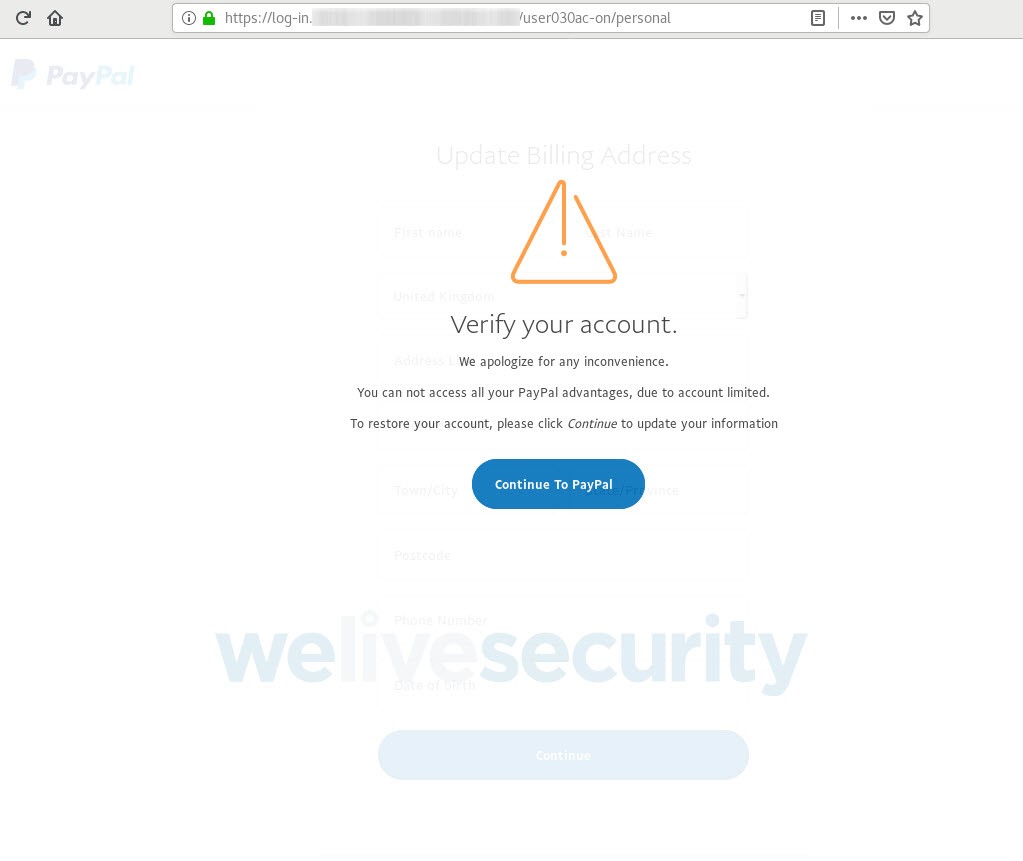
In the next few steps, the victims will be asked to fill out their billing addresses (including their name, phone number, and date of birth), as well as their credit and debit card data to avoid having to filling it out again later while using PayPal.
To make sure that they don't useless information, the attackers will also require the victims to confirm their credit and debit card info by entering their account numbers, the security code on the back of the card, and their mother's maiden names.
In the last step, their e-mail's password will also be requested so that the attackers can get access to other accounts in the future — however, they do promise not to use the password.
SSL secured phishing landing pages
Once the malicious campaign's operators manage to successfully squeeze the last piece of sensitive info out of their victims, they will send them to a page designed to ease their mind by congratulating them for restoring access to their accounts, assuring them that their "accounts will be verified in the next 24 hours."
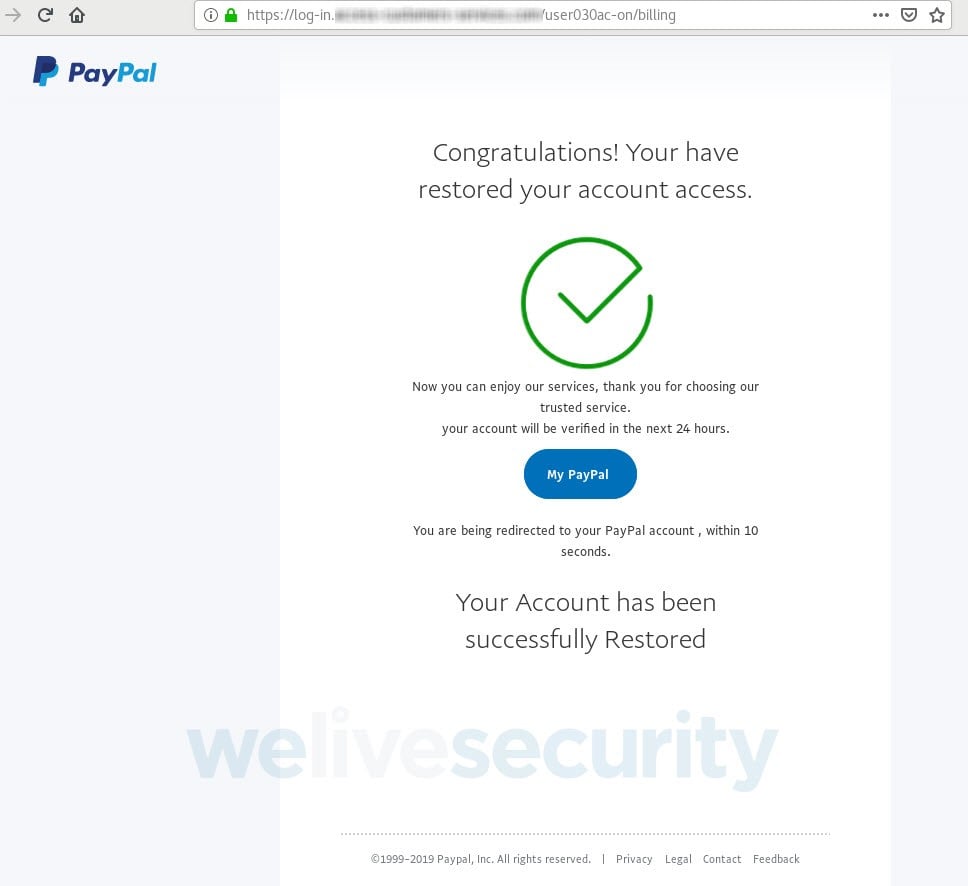
Throughout the campaign, the attackers used multiple phishing domains with names designed to somewhat resemble an official PayPal site.
All the phishing sites were delivered via HTTPS secured connections, displaying a green padlock to increase the targets' trust and give them a semblance of legitimacy.
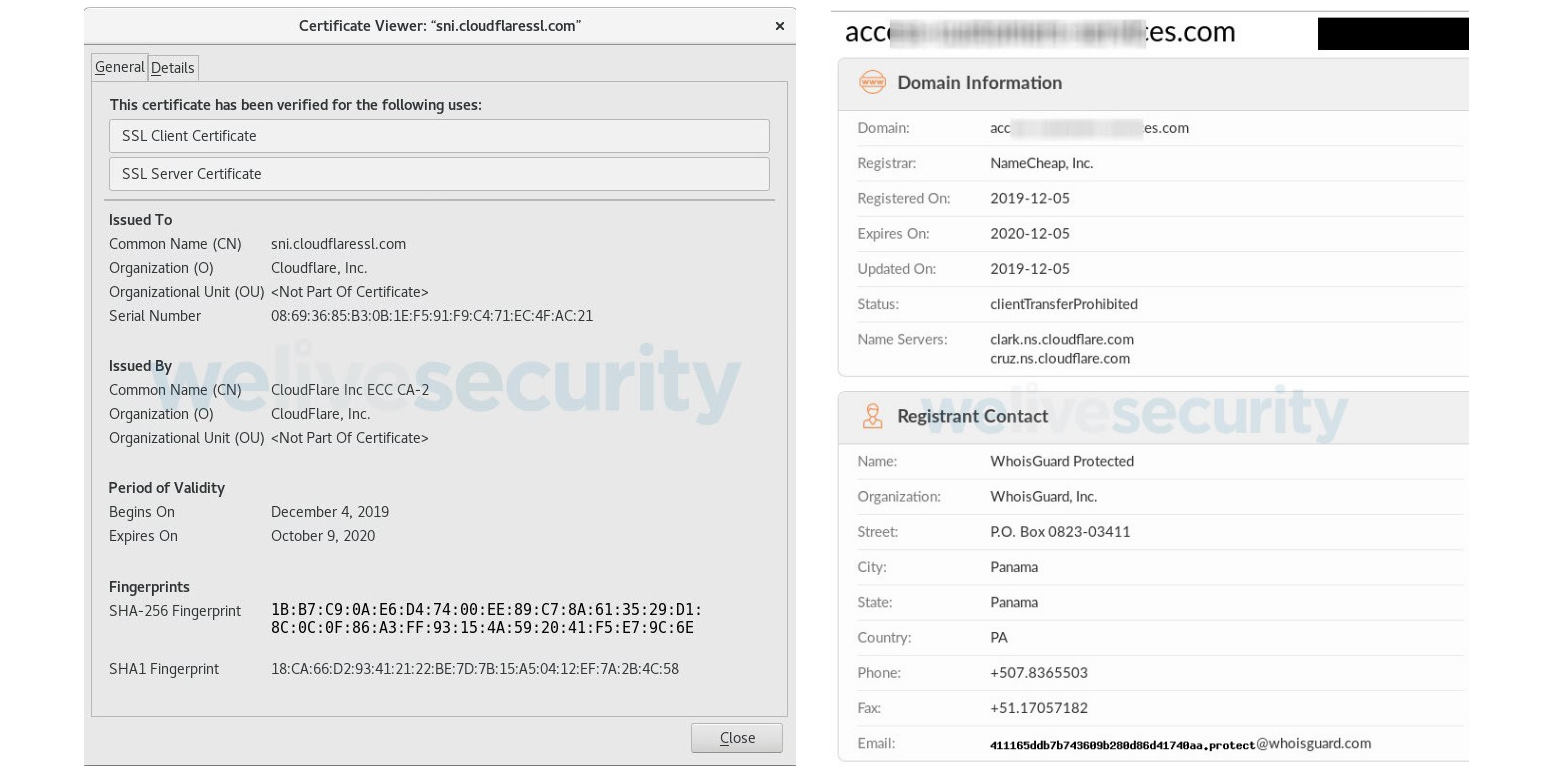
As the researchers further found, one of the domains was registered using NameCheap on December 5, with the registrant info protected using WhoisGuard and having a Cloudflare SSL certificate valid between December 4, 2019, and October 9, 2020.
"It’s worth noting that we’ve found no evidence that this campaign results in the installation of malicious software on victims’ machines," ESET adds.
"And, as this scam starts with a phishing email, the usual precautions will go a long way towards helping you stay safe."
How to avoid getting phished
The researchers recommend checking the URL of the website you land on after clicking a link you were sent via email and, if possible, refrain from clicking any links or opening any attachments you received in your inbox.
The safest way is to write the address of the site manually in the web browser or use a previously created bookmark if available to avoid being redirected to sites designed to collect your info or infect your computer with malware.
PayPal also provides a series of recommendations on how to spot phishing e-mails in its Help Center site, advising users not to reply to emails, click any embedded links, or downloading and opening attachments.
PayPal lists the following signs you can look for to identify phishing messages easier:
• Ask you to click on links that take you to a fake website
• Contain unknown attachments
• Convey a false sense of urgency
• "Your account is about to be suspended," "You've been paid," or "You have been paid too much" warnings
Customers who have spotted a phishing message in their inbox posing as an official email sent by PayPal are asked to report it as soon as possible by forwarding it