

Google Chrome users are complaining once more of "Aw Snap!" crashes as the Code Integrity feature got re-enabled in the latest version of the browser, released yesterday.
The error is caused by incompatible software on the system. Initially reported by users running an outdated version of Symantec Endpoint Protection (SEP), the problem was soon confirmed to occur with other software.
In an update on the matter, Google listed PC Matic, Palo Alto Networks' Traps security products, and the Print Audit Infinite document printing tracker as having a problem with the code integrity protection in the browser.
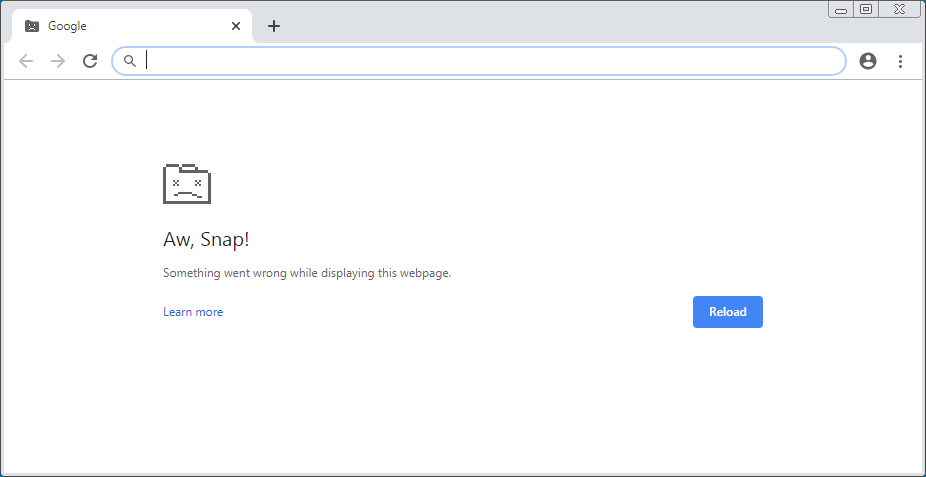
These are not the only applications causing the "Aw Snap!" error, though. Some users experiencing the error reported having the CylancePROTECT endpoint security solution installed.
To keep things smooth, Google decided to temporarily disable Code Integrity, a mechanism that prevents Chrome from loading binaries not signed by Microsoft.
Error reports incoming
Reactivating the feature in Chrome 79 triggered the problem once again on numerous stations. Some took it to Twitter to report the issue they're facing.

So Google Chrome is borked for me, I can't access anything without getting an aw snap page. Uninstalled. Try reinstalling tomorrow. #GoogleChrome #Google #TechSupport
 's other Tweets
Other users posted that they are seeing it on machines that have the latest version of SEP (14.2.5323.2000) installed.
"Symantec Endpoint Protection 14.2 RU2 build 5323 (14.2.5323.2000) on an Amazon Workspace running Windows Server 2016 experiences Aww Snap immediately and will not load Help > About Google Chrome. Desktop installation on older 14.2 RU1 has no issues loading Chrome 79. Reverting to latest Chrome 78 does not experience the Aww Snaps on the Workspace."
Two users said they were having the same trouble with a Webroot security solution installed on their computers, although they do not provide the version of the software. The product was reported before for this sort of incompatibility.
What to do?
Before releasing Chrome 79, Google updated the support page dedicated to this issue, notifying users that the code integrity verification would be back in the browser.
The developer also provides a new set of recommendations to avoid the "Aw Snap!" crash if it emerges with the latest Chrome:
- Ensure all installed anti-virus software is up to date.
- Reach out to your anti-virus software provider to understand their compatibility timelines.
- If you are able, please reply to this thread and share the name and version number of the anti-virus software you use on your computer.
If updating the incompatible software is not possible right now, the obvious alternative is to start Chrome with Code Integrity turned off. This can be done by launching the browser with the following argument:
--disable-features=RendererCodeIntegrityOne user with SEP on the system said that they solved the problem by running Chrome in Windows 8 compatibility mode.